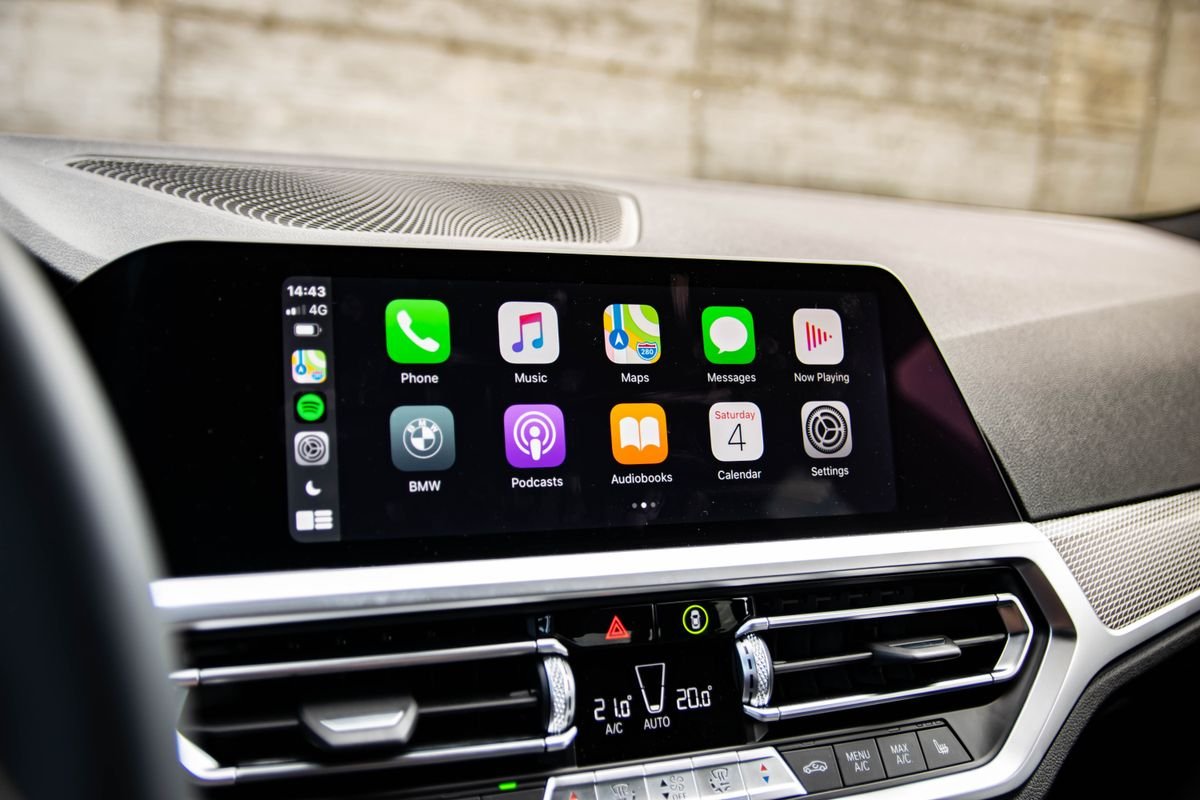
What Is Wireless Apple CarPlay is a common question among drivers who want a cleaner and easier way to use their iPhone on the road. Instead of connecting your phone with a USB cable, wireless Apple CarPlay creates a connection between your iPhone and your vehicle’s infotainment system automatically.
From a modern driving perspective, this feature removes a small but repeated daily problem. Many drivers in the United States use their cars for commuting, school runs, and road trips, so having quick access to maps, music, and calls without handling a cable adds convenience.
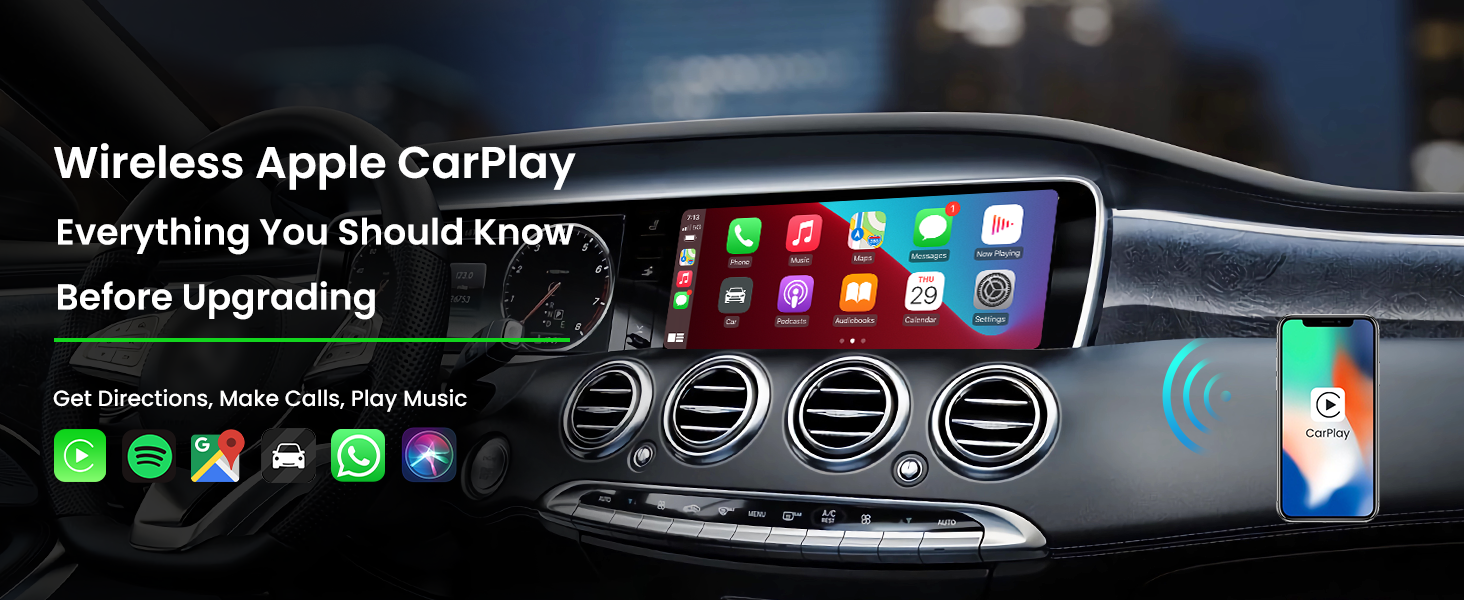
What Is Wireless Apple CarPlay and How Does It Work
Wireless Apple CarPlay is Apple’s in-car system that allows an iPhone to connect to a compatible vehicle display without using a wired USB connection. It gives drivers access to familiar iPhone features through the car’s touchscreen, steering wheel controls, and voice commands.
The system uses Bluetooth for the first connection and Wi-Fi for faster data transfer. After the first setup, many vehicles can recognize the iPhone automatically when the driver enters the car.
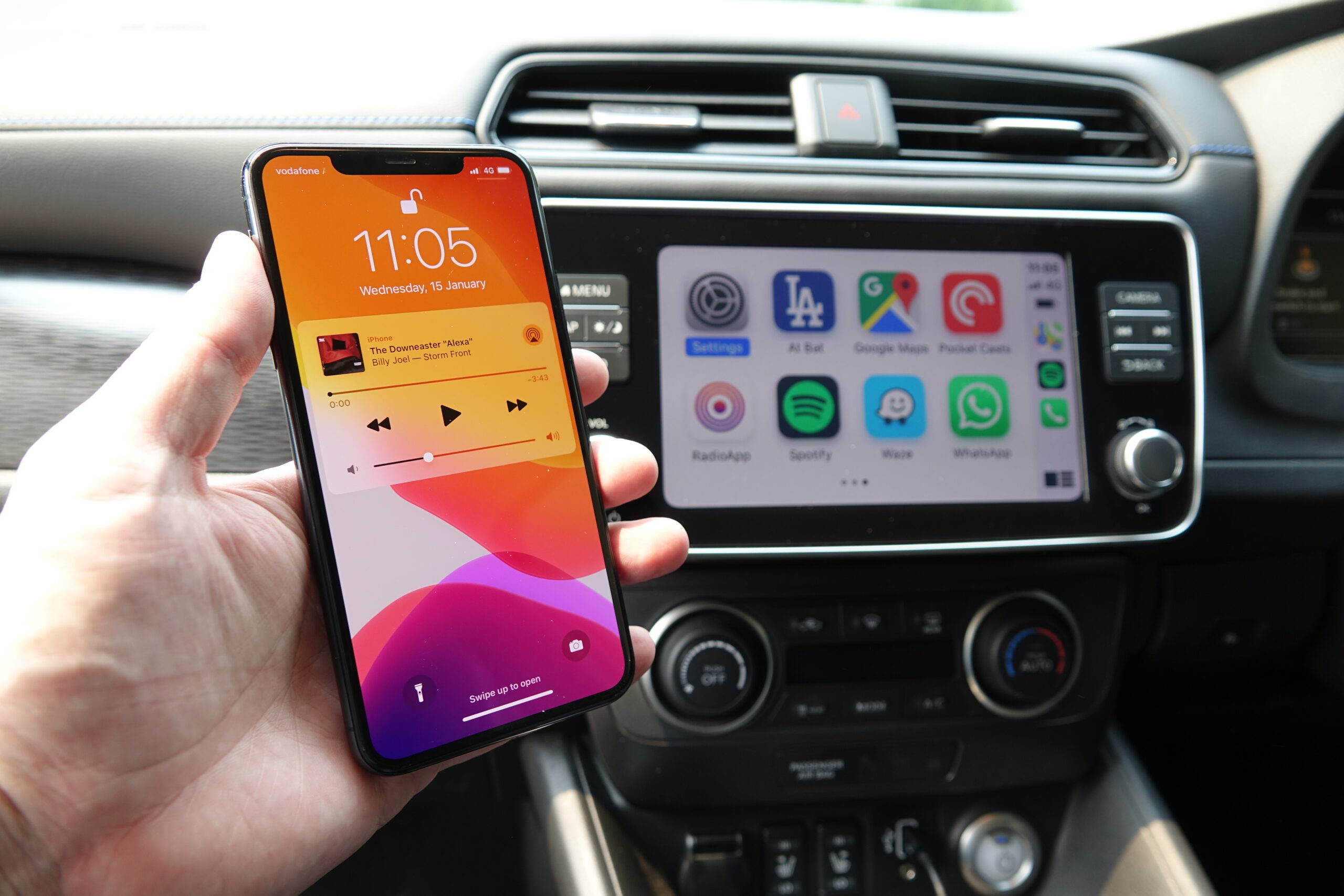
- ✦ Bluetooth connection
Bluetooth helps your car identify and start the connection process with your iPhone.
- ✦ Wi-Fi connection
A private Wi-Fi link carries the larger amount of data needed for maps, audio, and screen information.
- ✦ iPhone integration
The car display shows supported iPhone apps through the Apple CarPlay interface.
Wireless Apple CarPlay vs Wired Apple CarPlay
The main difference between wired and wireless Apple CarPlay is the connection method. Wired CarPlay requires a USB cable, while wireless Apple CarPlay works through wireless communication between the phone and vehicle.
A wired connection can sometimes provide faster startup and charging at the same time. Wireless Apple CarPlay focuses more on convenience because drivers do not need to plug in their phones every time they enter the vehicle.
How to Set Up Wireless Apple CarPlay in Your Car
Setting up Wireless Apple CarPlay is usually simple. Most compatible vehicles guide users through the process on the infotainment screen.
Before starting, make sure your iPhone has Bluetooth and Wi-Fi turned on. Your vehicle should also support wireless Apple CarPlay or use a compatible adapter.

- ✦ Step 1: Start the vehicle
Turn on your car and open the infotainment system settings.
- ✦ Step 2: Pair your iPhone
Connect your iPhone through Bluetooth and follow the on-screen instructions.
- ✦ Step 3: Allow CarPlay access
Accept the permissions needed for calls, music, navigation, and messages.
Using a Wireless CarPlay Adapter
Many older vehicles support wired Apple CarPlay but do not include wireless support. In this case, a wireless CarPlay adapter can convert the existing wired system into a wireless connection.
These small devices plug into the vehicle’s USB CarPlay port and create a wireless bridge between the car and iPhone.
Key Features Available Through Wireless Apple CarPlay
Wireless Apple CarPlay provides access to many everyday iPhone features while keeping attention on driving. The system is designed around simple controls and safer interaction.
Drivers can use voice commands with Siri, making it easier to send messages, make calls, and control entertainment without touching the phone.

- ✦ Navigation apps
Drivers can use Apple Maps and other supported navigation apps directly on the vehicle display.
- ✦ Music and podcasts
Users can stream audio from supported apps without holding their phones.
- ✦ Hands-free communication
Calls and messages can be managed through voice controls and vehicle buttons.
Benefits of Wireless Apple CarPlay for Daily Drivers
The biggest benefit of Wireless Apple CarPlay is convenience. Drivers no longer need to search for a cable before every short trip or commute.
For many people, the feature becomes part of their daily routine. A phone can stay in a pocket or bag while the vehicle handles navigation, music, and communication.
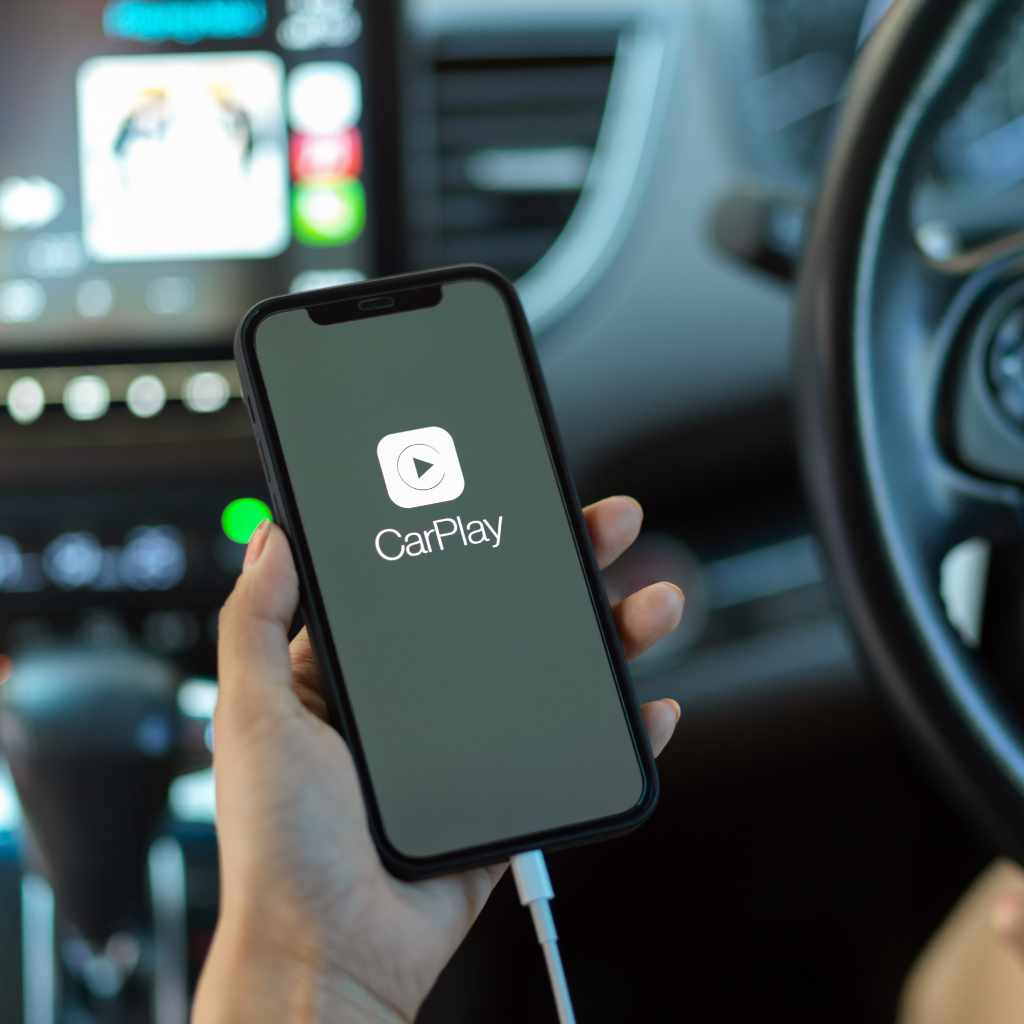
- ✦ Cleaner cabin setup
Removing charging cables creates a more organized dashboard area.
- ✦ Automatic connection
Compatible cars can connect to a paired iPhone when the driver starts the vehicle.
- ✦ Better driving comfort
Drivers can access important phone features without managing a cable.
Why Many US Drivers Prefer Wireless Connectivity
American drivers often spend significant time commuting and traveling by car. A simple feature like wireless Apple CarPlay can reduce small daily frustrations.
The technology is especially useful for families, business travelers, and anyone who frequently enters and exits their vehicle during the day.
Limitations of Wireless Apple CarPlay
Although Wireless Apple CarPlay offers more freedom, it is not perfect for every driver. Some users may notice slower connection times compared with a direct wired connection.
Wireless connections also use more iPhone battery because the phone maintains Bluetooth and Wi-Fi communication during use.

- ✦ Battery usage
Long trips may reduce iPhone battery life without wireless charging.
- ✦ Compatibility limits
Not every car or iPhone model supports wireless Apple CarPlay.
- ✦ Connection issues
Software updates or network problems can sometimes affect performance.
Which Cars Support Wireless Apple CarPlay
Many newer vehicles from brands sold in the United States offer Wireless Apple CarPlay as a factory feature. Availability depends on the model year, trim level, and infotainment system.
Drivers shopping for a new vehicle should check the manufacturer’s specifications because some vehicles only include wired Apple CarPlay.
- ✦ Newer vehicles
Many recent models include wireless smartphone integration from the factory.
- ✦ Factory infotainment systems
Built-in systems usually provide the most reliable experience.