Gps Navigation Vs Phone Maps Comparison: Which Is Better
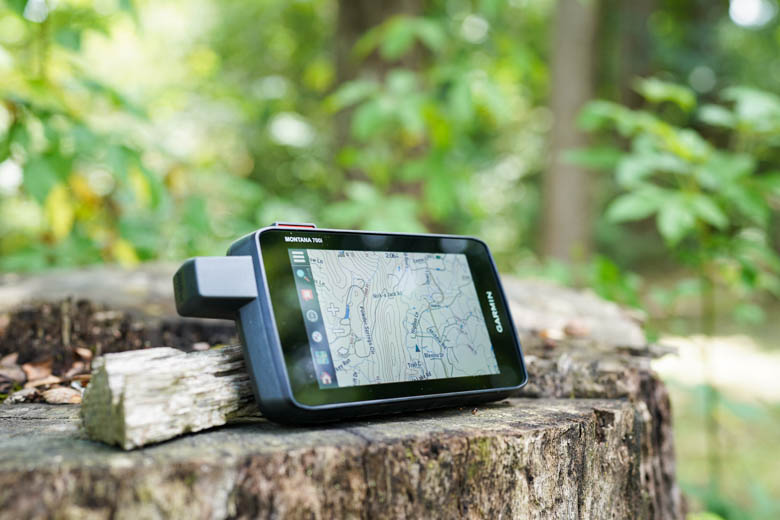
GPS units are more reliable offline; phone maps give better live data and convenience.
I’ve spent years testing in cars, on bikes, and on long road trips. I know the strengths and limits of each system. This gps navigation vs phone maps comparison digs into accuracy, features, cost, safety, and real use. Read on for a clear guide that helps you pick the right tool for each trip.
How GPS devices and phone maps work
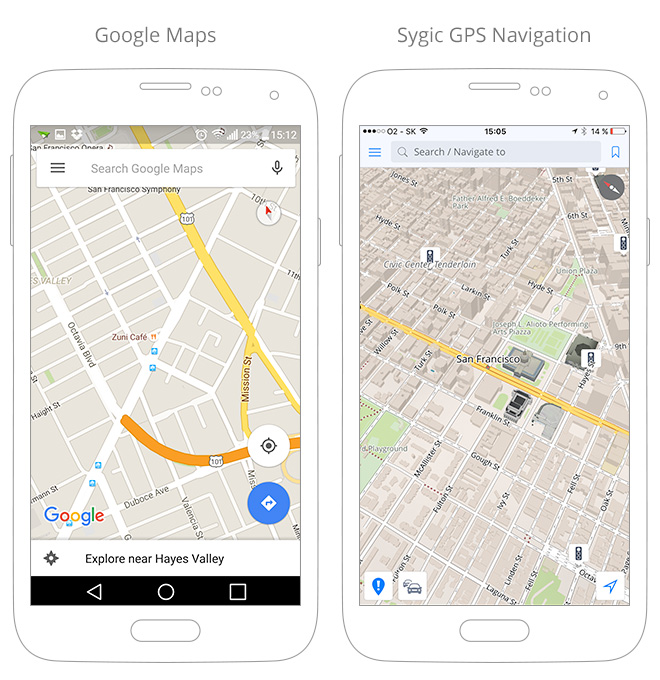
GPS navigation uses satellites. A dedicated unit reads signals from multiple satellites. It calculates your exact position. It then uses onboard maps for routing. Phone maps use the phone’s GPS chip too. They add mobile data to pull live traffic and map updates. Phone maps often mix GPS, Wi‑Fi, and cell tower data for better location in cities. Both systems need good satellite lock to be accurate.
Common tradeoffs in how they work:
- Satellite dependence: GPS units rely on satellites and local map files. They remain usable without cell data.
- Data fusion: Phone maps blend satellite fixes with online info. This improves routing in traffic.
- Map updates: Phone maps update constantly via the internet. GPS units need periodic downloads or subscriptions.
Key comparison factors
Below I break down the main areas to compare in this gps navigation vs phone maps comparison. Each point shows what to expect in real use.
Accuracy and signal
- GPS units: Offer steady satellite tracking in rural and off-grid areas. They often lock faster with clear sky view.
- Phone maps: Good in most places but lose precision in tunnels and dense urban canyons. Phones can recover using cell and Wi‑Fi data.
Offline use and reliability
- GPS units: Work fully offline when maps are loaded. Great for remote trips, rentals, or international travel.
- Phone maps: Some apps allow offline downloads. Offline features can be clunky and take storage space.
Live traffic and rerouting
- GPS units: Many units provide traffic but need subscription or paired phone. Traffic sources may lag.
- Phone maps: Excel at live traffic, incidents, and quick reroutes using aggregated user data.
Battery and data
- GPS units: Long battery life and no data usage for core navigation. They are power-efficient.
- Phone maps: Drain phone battery quickly, especially with screen on and mobile data active. They use cell data for live features.
User interface and features
- GPS units: Simple menus tuned for driving. Built-in POIs and lane guidance are common.
- Phone maps: Offer richer features like walking, transit, reviews, and integrated search. Apps get new features more often.
Cost and maintenance
- GPS units: One-time purchase or subscription for map updates. Durable hardware can last years.
- Phone maps: Free apps are common. Costs come from data plans and battery replacements.
Safety and usability
- GPS units: Larger screens, fewer distracting notifications. Designed for driving focus.
- Phone maps: Multitasking and notifications can distract. Mounting and Do Not Disturb settings help.

Real-world tests and personal experience
I tested both on long road trips and city commutes. I lost cell service on a mountain pass once. The phone maps failed, and the GPS unit worked flawlessly. On the other hand, in rush hour downtown, phone maps shaved 20 minutes off my commute with live rerouting. These experiences shaped my view in this gps navigation vs phone maps comparison.
Lessons learned:
- Always carry a charged phone. It can act as backup to a GPS unit.
- Download offline maps before trips. This helps when signal drops.
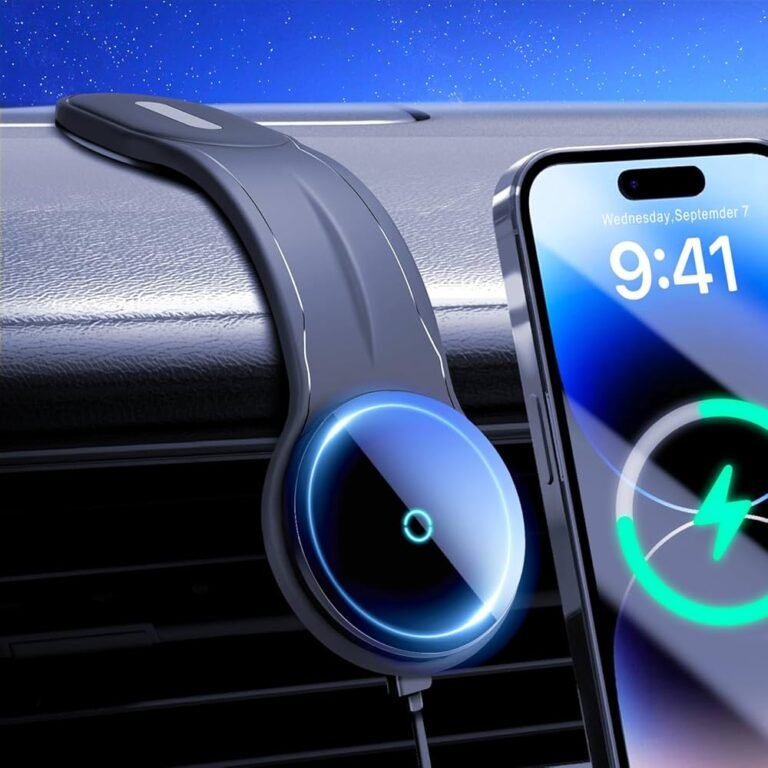
- Use car mounts that keep devices at eye level and out of reach for safer driving.

Best use cases: when to choose GPS vs phone maps
Not every trip needs the same tool. This gps navigation vs phone maps comparison helps you pick.
Choose GPS units when:
- You travel off-grid or cross borders with poor mobile coverage.
- You need long battery life and minimal distractions.
- You want a rugged device with a simple, reliable UI.
Choose phone maps when:
- You need live traffic, transit info, and search integration.
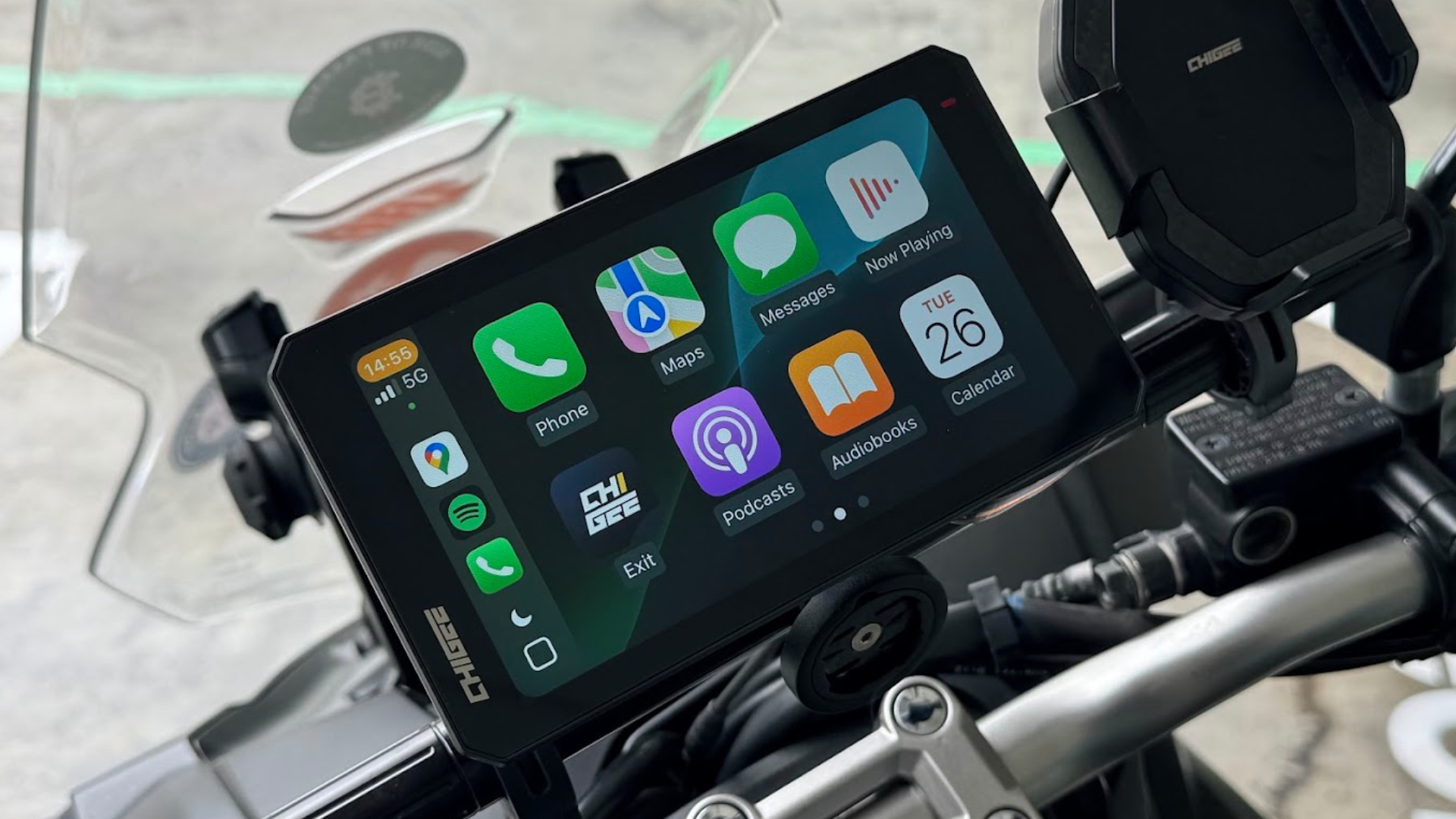
- You prefer one device for maps, calls, and media.
- You want frequent map updates without paying for subscriptions.
Mixed approach
- Use both together: GPS for position and phone for live updates.
- Pair the phone via Bluetooth to receive traffic on a GPS that supports it.

How to get the best of both
Here are practical tips to combine strengths and avoid common pitfalls in a gps navigation vs phone maps comparison.
Before a trip
- Download offline maps for both devices. This saves stress when signal drops.
- Update maps and firmware. Fresh data reduces wrong turns.
During travel
- Use a high-quality mount to keep the view clear and hands free.
- Turn on Do Not Disturb while navigating. This cuts distractions.
- Plug into power or carry a battery pack for long drives.
Saving data and battery
- Lower screen brightness and turn off unneeded apps. This extends phone life.
- Use Wi‑Fi for heavy downloads before leaving. This avoids data overage.
When buying
- Consider units with lifetime map updates if you travel often.
- Choose a phone map app that lets offline downloads and offers good rerouting.
Frequently Asked Questions of gps navigation vs phone maps comparison
What is more accurate, a GPS unit or phone maps?
Both use GPS satellites for location. Dedicated GPS units can be slightly more stable in remote areas, while phone maps can be more precise in cities due to data fusion.
Can phone maps work without mobile data?
Yes, many phone map apps support offline maps. You must download maps ahead of time and enable offline mode.
Do GPS devices receive live traffic updates?
Some modern GPS units get traffic via a subscription or a paired smartphone. Without that, they rely on preloaded routes and may not reflect current congestion.
Which is safer to use while driving?
Dedicated GPS units minimize app notifications and are built for driving. Phones can be safe too if you use a mount and enable Do Not Disturb while driving.
Is it cheaper to use phone maps than a GPS unit?
Phone maps are usually free, but they use data and battery. GPS units require an upfront cost and possible update fees. Long-term needs determine which is cheaper.
How do I prepare for international travel?
Download offline maps for your phone and update your GPS maps before you go. Carry local SIM or ensure offline options work for your route.
Conclusion
This gps navigation vs phone maps comparison shows each tool’s clear strengths. GPS units win at offline reliability and battery life. Phone maps win at live traffic, search, and convenience. Try a mixed approach for many trips. Download offline maps, use a good mount, and keep devices charged to stay safe and sure on the road. Share your experience below or subscribe for more practical travel tech tips.