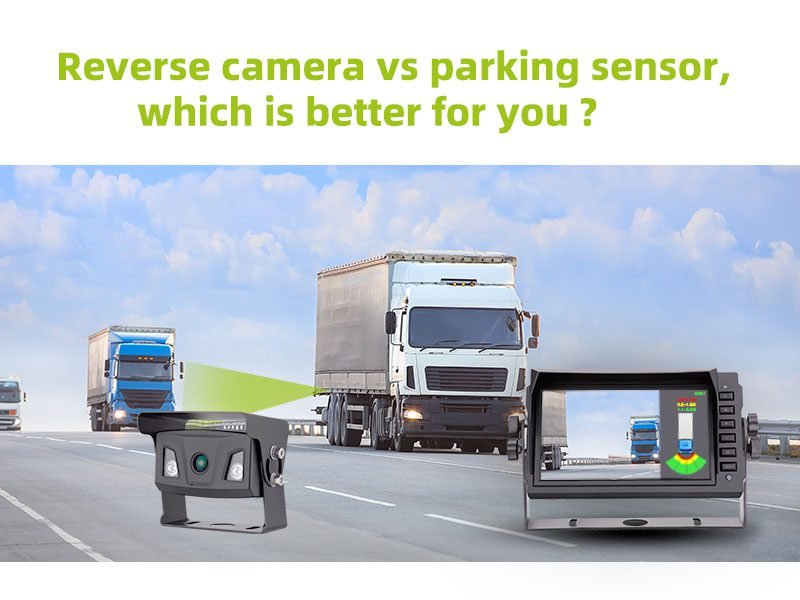
Parking sensors detect distance with beeps; backup cameras provide a visual rear view for precise maneuvers.
I’ve spent years testing parking tech and advising drivers, workshops, and fleet managers about parking sensors vs backup camera differences. This article explains how each system works, their strengths and limits, real-world tradeoffs, installation and cost, and how to choose the right setup for your needs. Read on for practical tips, firsthand lessons, and clear comparisons so you can park with confidence.

How parking sensors vs backup camera differences work
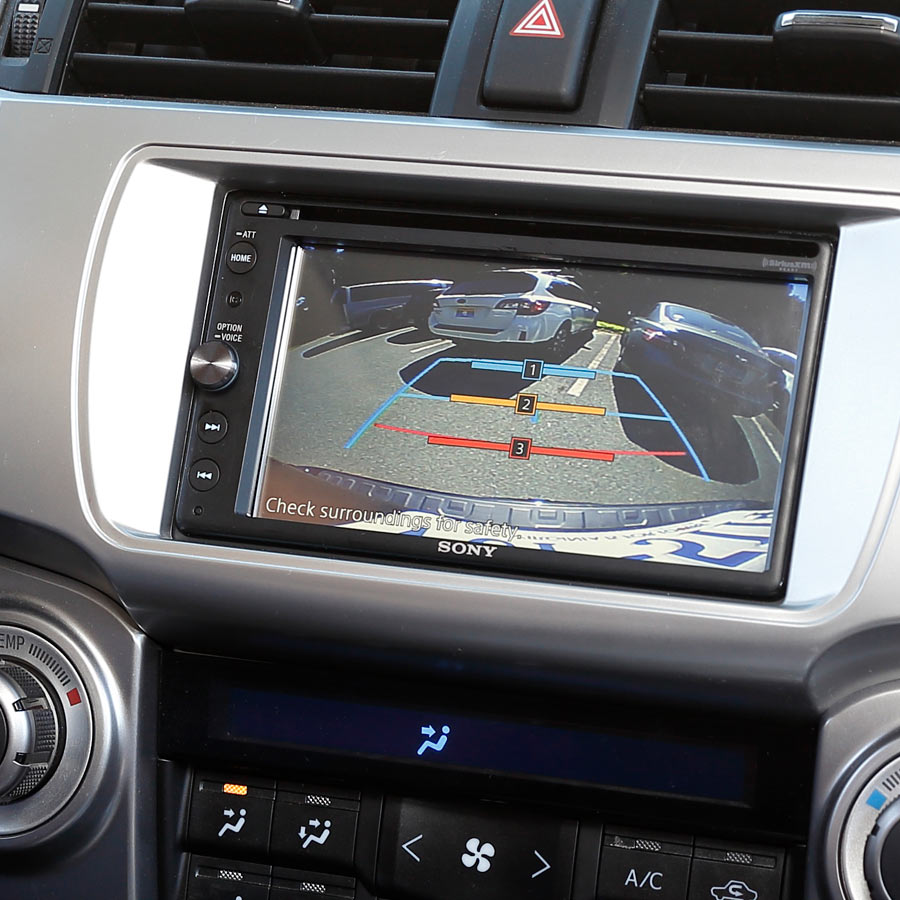
Parking sensors use ultrasonic or electromagnetic sensors to measure distance to obstacles. They send beeps or visual indicators based on proximity. Backup cameras capture a live video feed of the area behind your vehicle and display it on a screen. Many systems combine both to give audio cues plus a visual view.
Key technical points:
- Sensors detect distance but do not show what an object looks like.
- Cameras show detail and position but depend on lighting and lens clarity.
- Combined systems mitigate blind spots and give layered information.
I often recommend pairing both because the combined data reduces surprises and improves reaction time when backing up. The parking sensors vs backup camera differences become clear when you compare what each senses and how they report it.

Pros and cons of parking sensors vs backup camera differences
Understanding advantages and tradeoffs helps you choose the best system for your needs.
Advantages of parking sensors:
- Provide simple, continuous distance feedback.
- Work well in low-light or fog because they don’t rely on optics.
- Often less expensive to install.
Limitations of parking sensors:
- No visual context — you may not know whether the object is a pole, child’s bike, or bumper.
- False alarms can occur with narrow, low obstacles or heavy rain.
Advantages of backup cameras:
- Offer visual detail and angle of obstacles.
- Make precise alignment easier, like lining up to a garage or trailer.
- Good for spotting small items low to the ground.
Limitations of backup cameras:
- Image quality and field of view vary by unit.
- Performance drops in poor light, heavy rain, or very dirty lenses.
When you weigh parking sensors vs backup camera differences, remember one is about distance sensing and the other is about sight. Together they cover each other’s weaknesses.
When to choose parking sensors vs backup camera differences
Choose based on driving habits, vehicle type, and budget.
Consider parking sensors if:
- You park in tight urban spots frequently.
- You need simple, reliable alerts in low visibility.
- You want a lower-cost upgrade.
Consider backup cameras if:
- You need to see children, pets, or small objects behind the vehicle.
- You often reverse trailers or must align precisely.
- You want a safer visual confirmation before moving.
If you drive a large SUV or truck, prioritize a camera plus sensors. My rule of thumb from years of testing: cameras help with context, sensors help with immediate safety. The parking sensors vs backup camera differences are not about which is better overall, but which fits your use case.
Installation, cost, and compatibility for parking sensors vs backup camera differences
Costs and installation vary widely by vehicle and feature set.
Typical cost ranges:
- Basic ultrasonic sensors: moderate parts and labor costs, usually less than camera installs.
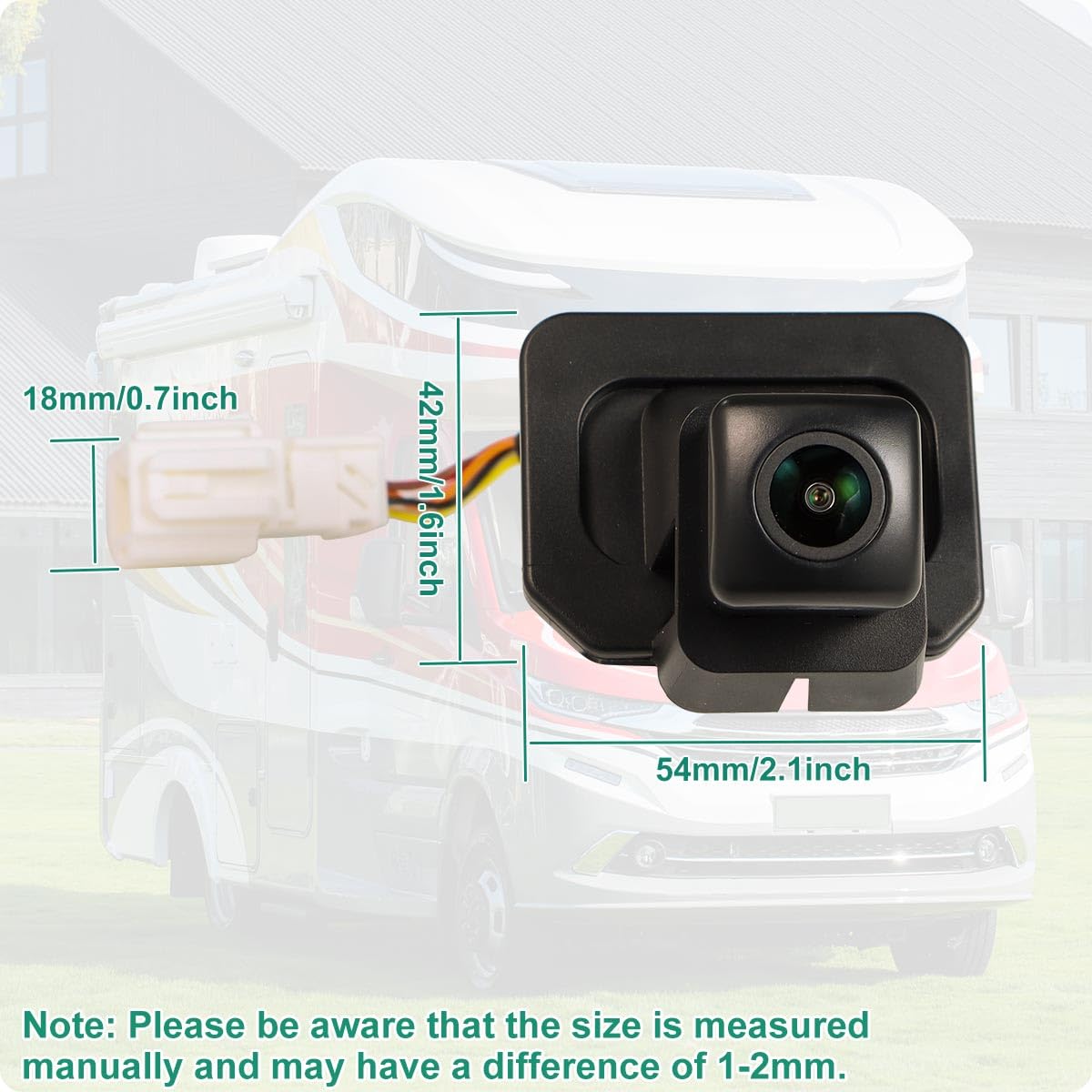
- Aftermarket backup cameras: moderate to high depending on screen integration and wiring.
- OEM integrated camera and sensor packages: highest cost but best fit and filtration.
Installation notes:
- Sensors need precise placement and calibration. Improper mounting creates false alerts.
- Cameras require a clean mounting point and correct angle. Screen integration may need dashboard modification.
- Wireless aftermarket cameras reduce wiring but can introduce lag or interference.
Compatibility tips:
- Check your vehicle’s wiring and screen capability before buying.
- For vintage cars without a display, consider a mirror-replacement monitor or rearview mirror display.
- Verify warranty implications; some installations can affect vehicle electronics warranty.
From hands-on installs, the biggest mistake I’ve seen is rushing sensor placement. Accurate drilling and sensor alignment matter more than the brand. Knowing these parking sensors vs backup camera differences helps you plan budget and shop smarter.

Maintenance, reliability, and common issues for parking sensors vs backup camera differences
Both systems need upkeep to stay reliable.
Maintenance tasks:
- Clean camera lenses regularly to avoid blurry or dark images.
- Keep sensor areas free of mud, ice, or bumper covers that can mute signals.
- Update firmware for digital systems when manufacturers release fixes.
Common issues:
- Sensors giving false positives in heavy rain or near guardrails.
- Camera fogging or washed-out images in direct sun.
- Wiring corrosion causing intermittent failures.
Reliability tips:
- Test systems monthly by parking near safe obstacles to confirm sensors and cameras respond.
- Use combined systems to cross-check: if a camera shows nothing but sensors beep, approach cautiously.
- Replace aging components; degraded sensors or cameras reduce accuracy.
My mechanic days taught me that routine checks prevent most failures. The parking sensors vs backup camera differences become operational concerns when one system fails and the other keeps you safe.
My hands-on experience with parking sensors vs backup camera differences
I’ve installed dozens of sensor and camera systems on sedans, trucks, and fleet vans. A few lessons from the field:
- Paired systems reduce false alarms and driver stress. One vehicle I upgraded went from tense backing to smooth, confident parking.
- Cheap sensors often lack weatherproofing. Invest in quality for long-term reliability.
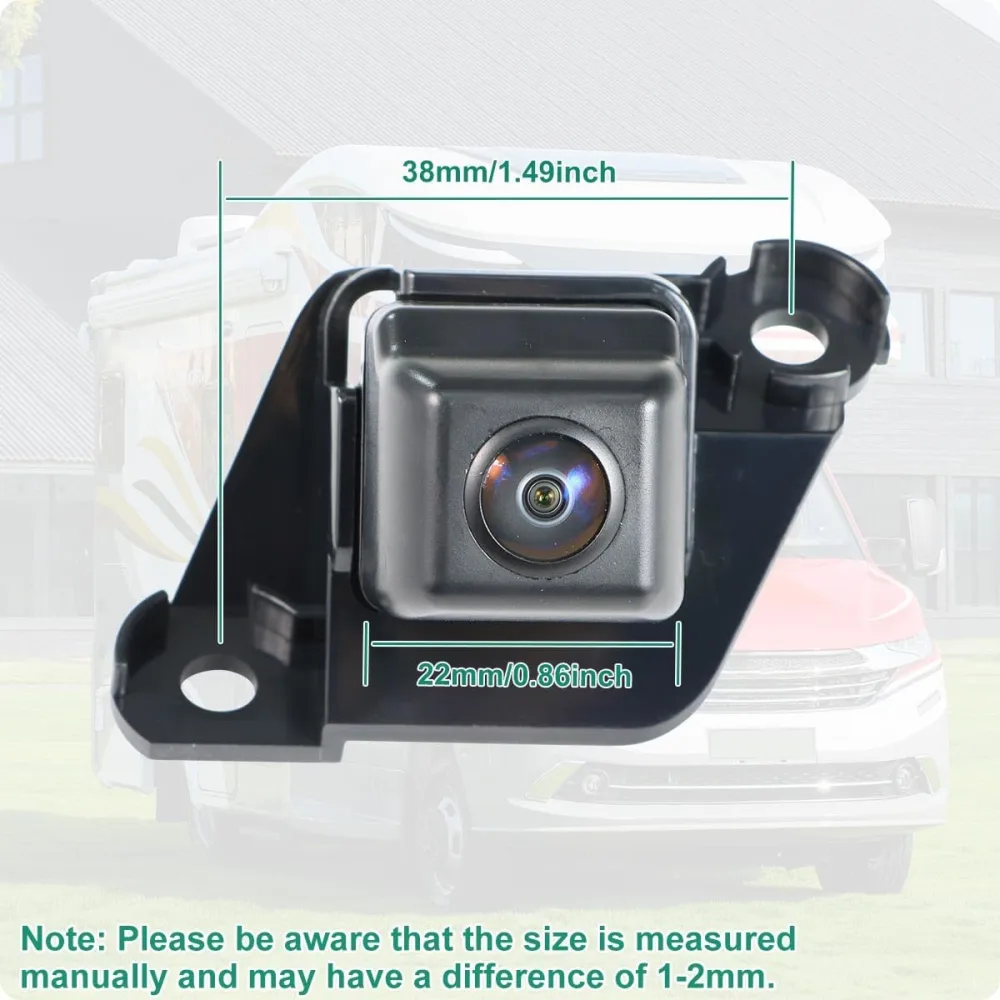
- Camera angle matters. Too high hides low curbs; too low limits distance perception.
A memorable example: I helped a small business retrofit a delivery van with both systems. Drivers initially trusted sensors only, but after one near-miss with a hidden pallet, they relied on the camera for context. That experience shows how parking sensors vs backup camera differences play out in daily operations.
Practical tips I use:
- Clean and test before each long trip.
- Train drivers to use both audio and visual cues together.
- Opt for OEM-compatible wiring when possible to avoid integration issues.

Frequently Asked Questions of parking sensors vs backup camera differences
What is the main difference between parking sensors and backup cameras?
Parking sensors measure distance and alert you with sound or visuals, while backup cameras show a live video view behind the vehicle. Sensors warn; cameras show.
Can I install both parking sensors and a backup camera together?
Yes. Many drivers and professionals install both for layered safety, because the systems complement each other and reduce blind spots.
Do parking sensors work in bad weather?
Sensors generally work in low light and fog, but heavy rain, snow, or mud can cause false alerts or reduced accuracy. Regular cleaning helps maintain performance.
Will a backup camera replace mirrors and sensors?
No. Cameras add visual information but do not replace mirrors or sensors. Use them together for the safest result.
How much does it cost to add sensors and a backup camera?
Costs vary widely by vehicle and quality, ranging from affordable aftermarket kits to high-end OEM systems. Installation labor and display integration are major cost factors.
Conclusion
You do not need to choose sides. Parking sensors and backup cameras serve different but complementary roles. Sensors provide reliable distance warnings. Cameras provide visual context. Together they make parking and reversing much safer and less stressful.
Takeaway action: evaluate your vehicle, budget, and typical parking scenarios. If possible, invest in both systems and maintain them regularly. Try a combined install on your next vehicle upgrade, test the setup, and train anyone who drives your car.
If you found this helpful, try a quick system check on your vehicle this week and leave a comment about your experience or questions.