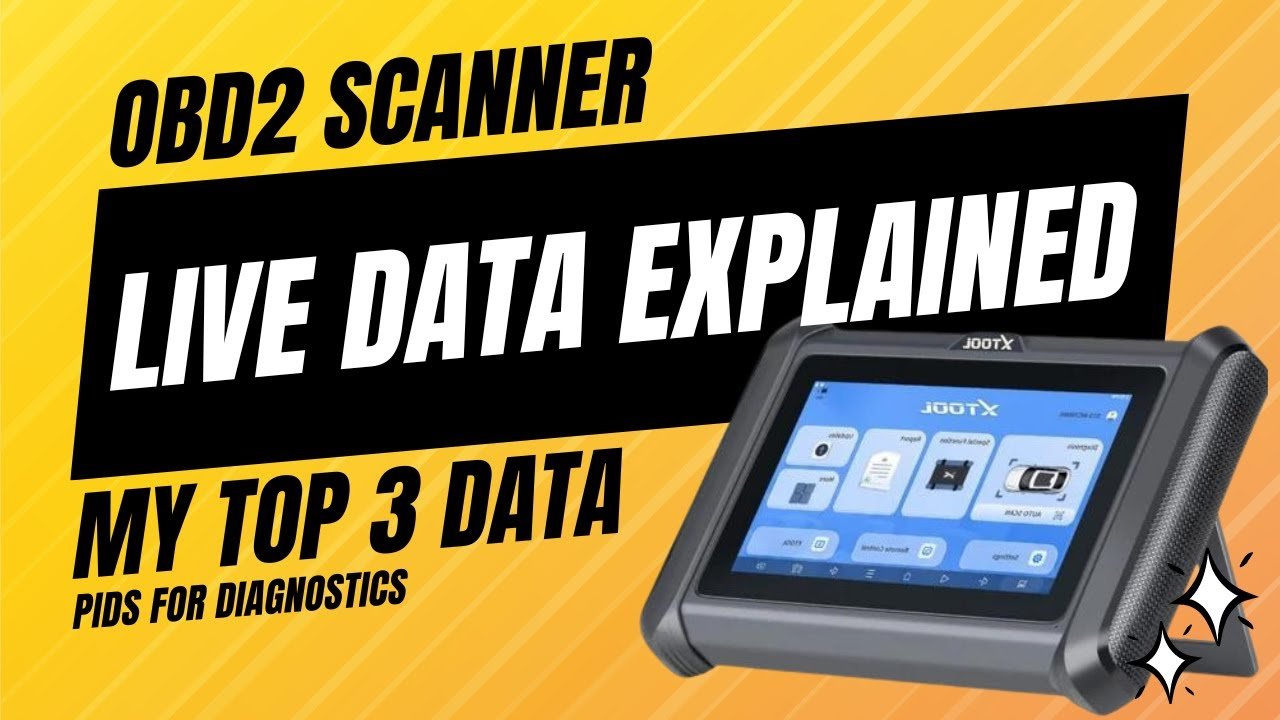
Live data on an OBD2 scanner shows real-time vehicle sensor readings while the engine operates.
When a check engine light appears in a vehicle, many U.S. drivers use an OBD2 scanner to find the cause. However, reading trouble codes is only the first step. The deeper information often comes from live data, which shows what the engine and sensors are doing at that exact moment.
In my experience studying automotive diagnostics, I have found that live data helps separate real faults from misleading symptoms. A trouble code may tell you which system has an issue, but live data helps explain why that issue happened.
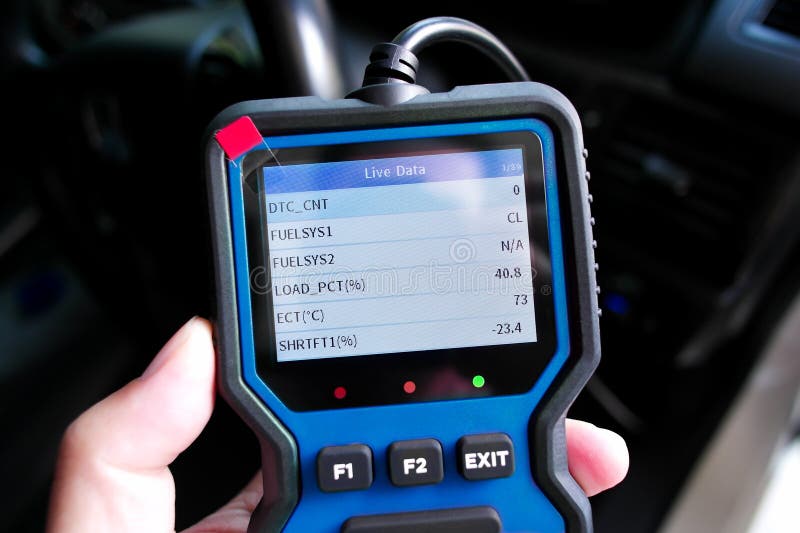
What Is Live Data on an OBD2 Scanner and How Does It Work?
What Is Live Data on an OBD2 Scanner? It is a stream of real-time information sent from your vehicle’s electronic control modules to the diagnostic scanner. The scanner connects to the OBD2 port and displays changing values as the engine runs.
Modern vehicles use many sensors to monitor engine operation. The engine computer collects these signals and adjusts fuel, ignition, emissions, and other systems. An OBD2 scanner allows you to view some of this information directly.
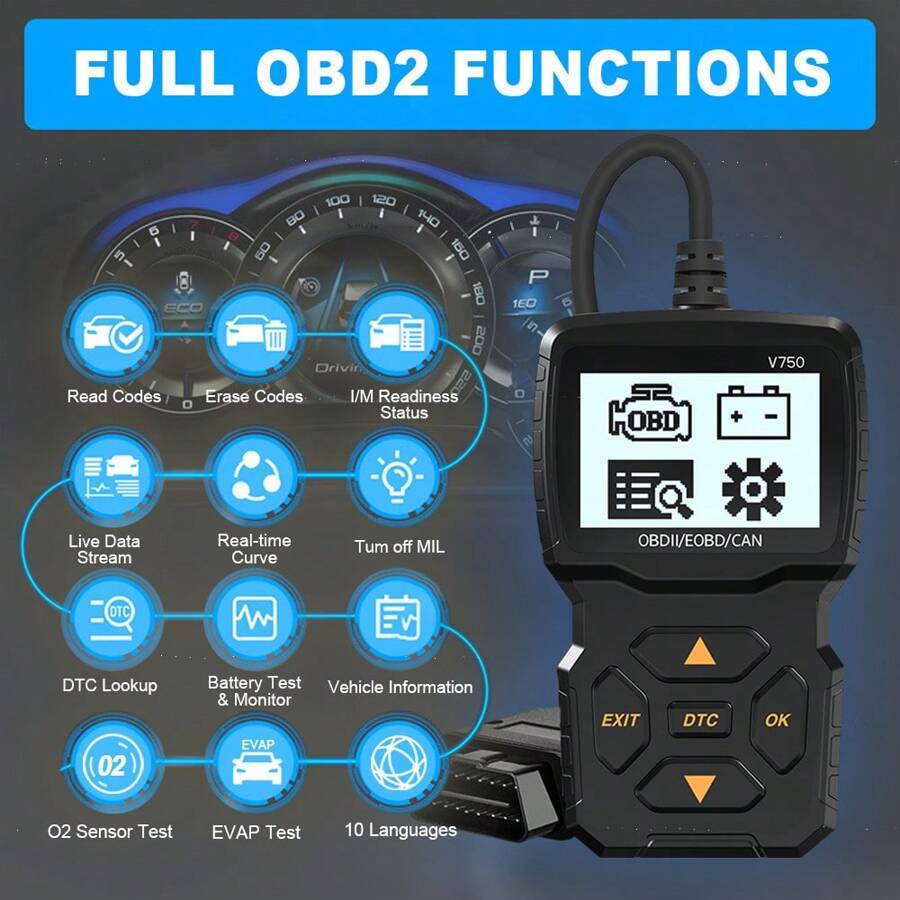
- ✦ Real-time sensor readings
Live data displays current measurements from vehicle sensors instead of only showing stored fault codes.
- ✦ Continuous updates
Values change as driving conditions change, such as acceleration, braking, engine temperature, and idle speed.
How the OBD2 Scanner Receives Data
The scanner communicates with the vehicle’s ECU through the OBD2 port. The ECU shares available data using standardized parameters called PIDs, which means Parameter Identifiers.
Each PID represents a specific measurement, such as engine speed, air intake temperature, or oxygen sensor voltage.
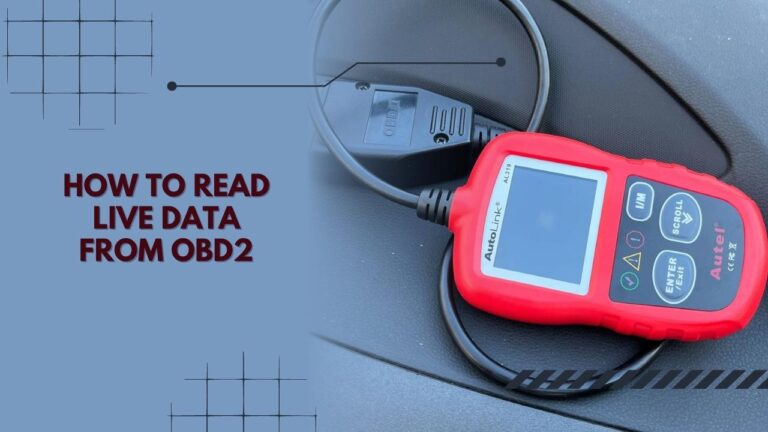
- ✦ OBD2 port connection
The scanner connects through the diagnostic port usually located under the dashboard.
What Information Can You See With OBD2 Live Data?
OBD2 live data can show dozens of readings depending on the vehicle model and scanner quality. Basic scanners show common engine values, while professional tools can access more advanced systems.
Understanding these readings helps drivers and technicians identify problems faster. The goal is not just seeing numbers but understanding what those numbers mean.
- ✦ Engine RPM
Shows how fast the engine crankshaft is turning and helps identify idle or performance issues.
- ✦ Coolant temperature
Shows engine temperature and helps detect overheating or thermostat problems.
- ✦ Fuel trim values
Shows how much the ECU adjusts fuel delivery to maintain proper combustion.
- ✦ Oxygen sensor readings
Shows exhaust oxygen changes that help monitor fuel mixture and emissions performance.
Common OBD2 Live Data Parameters
Common parameters include throttle position, mass airflow readings, engine load percentage, vehicle speed, and ignition timing. These values create a picture of how the engine is working.
A single reading rarely proves a failure. Technicians compare multiple data points together to find patterns.
- ✦ Compare related values
A mechanic may compare airflow readings with fuel trims to check for air leaks or fuel delivery issues.
Why Live Data Is Important for Diagnosing Car Problems
A diagnostic trouble code only points toward a system or component. Live data provides more details about what is happening inside that system.
For example, a code related to an oxygen sensor does not always mean the sensor itself is bad. Live data may show that the engine is running too lean because of a vacuum leak.

- ✦ Find the actual cause
Live data helps avoid replacing parts without confirming the real problem.
- ✦ Monitor repairs
Technicians can check live readings after repairs to confirm the vehicle is operating correctly.
Example: Diagnosing a Rough Idle
A rough idle can come from many causes, including air leaks, ignition problems, or fuel issues. Live data allows a technician to check RPM stability, fuel trims, and sensor responses.
This approach is faster than guessing because it uses evidence from the vehicle itself.
- ✦ Look for patterns
Changes in live readings often reveal whether the problem appears during idle, acceleration, or steady driving.
How Mechanics Read Live Data on an OBD2 Scanner
Professional technicians do not simply look for numbers that appear unusual. They compare readings with expected values based on engine condition, temperature, and driving situation.
For example, fuel trim numbers may be normal during one condition but indicate a problem during another condition. Context matters when reading live data.

- ✦ Check operating conditions
Engine temperature, RPM, and load affect what normal readings should look like.
- ✦ Use multiple data points
Several related readings together provide a clearer diagnosis than one value alone.
Live Data During a Test Drive
Some problems only appear while driving. A scanner with recording features can capture data during acceleration, highway driving, or climbing hills.
This helps identify issues that may not appear when the vehicle sits in a repair shop.
- ✦ Record changing conditions
Saved live data can help compare normal and abnormal vehicle behavior.
OBD2 Live Data vs Diagnostic Trouble Codes: What Is the Difference?
Many vehicle owners confuse trouble codes with live data. They work together but provide different information.
A trouble code tells you where the computer noticed a problem. Live data shows the conditions that may have caused that problem.
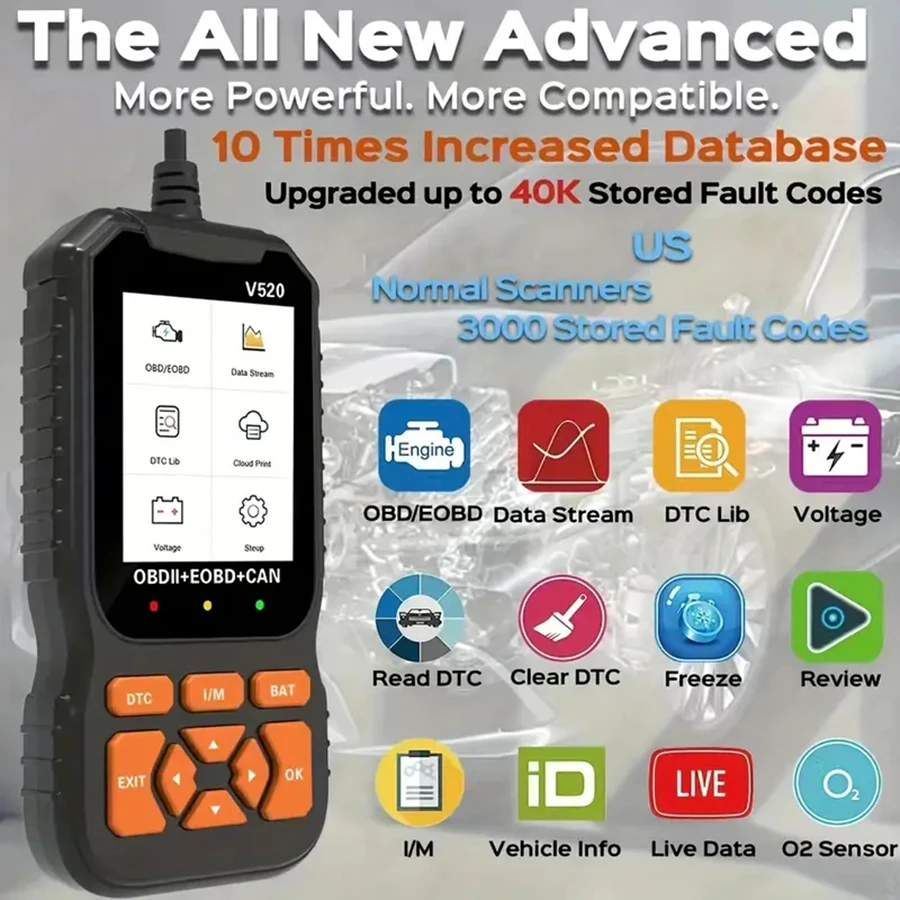
- ✦ Trouble codes
Stored codes identify possible system problems detected by the vehicle computer.
- ✦ Live data
Live readings show current system behavior while the vehicle operates.
Why You Need Both Tools
Using only codes can lead to incorrect repairs. Using only live data without knowing the fault history can also make diagnosis harder.
The strongest diagnostic process combines both sources of information.
- ✦ Complete diagnosis
Codes provide direction while live data provides evidence.
Limitations of Using Live Data From an OBD2 Scanner
Although live data is powerful, it does not automatically diagnose every problem. A scanner only shows information that the vehicle computer provides.
Some mechanical failures may not create clear electronic signals. Problems like worn parts, internal engine damage, or physical leaks may require additional testing.
- ✦ Scanner quality matters
Low-cost scanners may display fewer data points than professional diagnostic equipment.
- ✦ Knowledge is required
Correct interpretation requires understanding normal vehicle operation.
Avoiding Common Mistakes
One common mistake is replacing a sensor because its name appears in a trouble code. The sensor may only be reporting a problem caused by another component.
Always confirm findings before buying replacement parts.
- ✦ Verify before replacing
Use testing and data comparison before installing new parts.