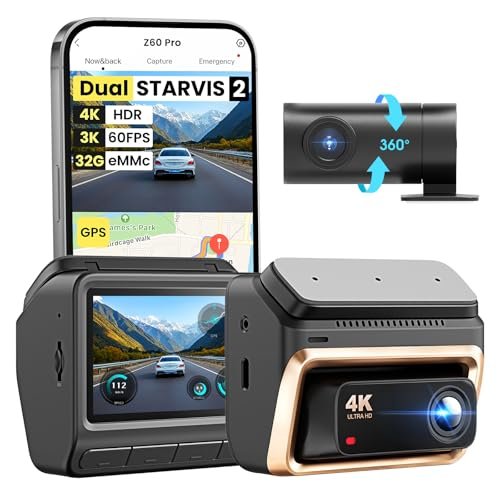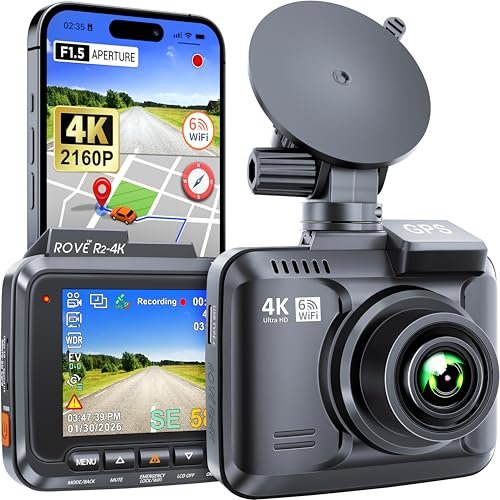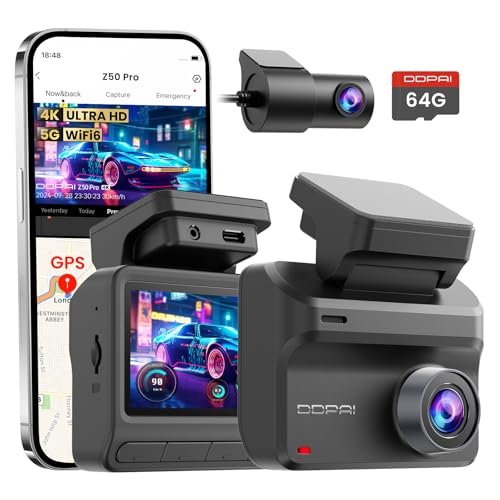
The DDPAI Z40 GPS is worth considering for drivers who want clear video, GPS data, and easy daily recording.
A small crash can cause a big problem. A driver may face a claim, a repair bill, or a dispute over who caused it. Without video, it can be hard to prove what took place. A dash cam can help by saving a record of each trip.
For US drivers, a dash cam can be useful on busy roads, long trips, and daily commutes. The DDPAI Z40 GPS aims to offer clear road footage with location data. It may suit drivers who want more than a basic camera but do not need a large or complex setup.

Is the DDPAI Z40 GPS Good?
The DDPAI Z40 GPS is a capable dash cam option for drivers who want video records and GPS support. Its main appeal is the mix of road recording, location data, and app-based access. These features can help make daily driving records more useful.
I would put it on the shortlist for commuters, rideshare drivers, and people who take long road trips. Still, buyers should check the exact package before ordering. Rear camera support, memory card needs, power parts, and included items can vary by listing or kit. I would not treat every Z40 package as the same.

My First Impression of the DDPAI Z40 GPS
The Z40 has a compact dash cam design. It aims to sit near the windshield and record the road without taking up much space. This is useful in cars with a small front cabin or a low windshield.
The setup should be simple for most drivers. The basic process involves mounting the camera, connecting its power cable, setting the lens angle, and using the DDPAI app if the model and package support it. The GPS function also needs the right power and setup conditions to work as intended.
I would check the box contents before fitting the unit. Look for the power cable, mount, GPS parts, and any rear camera listed in the offer. Also check whether a memory card comes with the kit. Do not assume it is included.

What Makes It Stand Out: Key Features
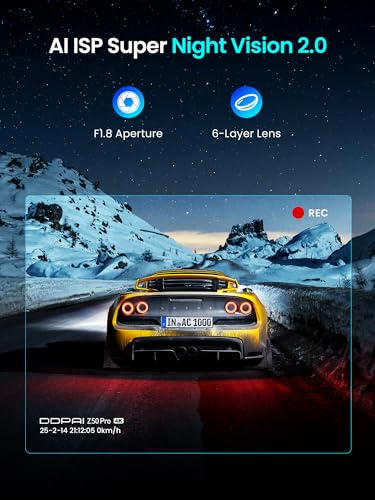
- 2K Road Recording: The Z40 line is known for its 2K front recording option. This can capture more road detail than basic HD footage. Clear video can help show road signs, lane marks, and events near your car. Actual results depend on light, lens position, and road speed.
- GPS Data: GPS support can add location and speed data to recorded trips. This gives a video more context than a plain image alone. Drivers should check the app settings and playback options to see how the GPS data appears.
- App Connection: The DDPAI app can help users access camera settings and view saved clips. This is useful when a driver wants to check a video without taking out the memory card. Phone and app support should be checked before purchase.
- Loop Recording: Loop recording helps the camera keep recording when storage fills up. It can replace older normal clips with newer footage. This means the camera can keep working without daily file removal. Important clips should be saved before they are overwritten.
- Emergency Video Protection: Dash cams in this class can use impact detection to protect key clips. This feature can help keep footage from a sudden event. Its results depend on sensor settings and camera setup. Drivers should test the function in a safe way and review the saved files.
- Compact Windshield Design: A small camera can fit near the top of the windshield. This helps keep the driver’s view clear. It can also make the unit less distracting than a large screen-based camera. Correct placement is still vital.
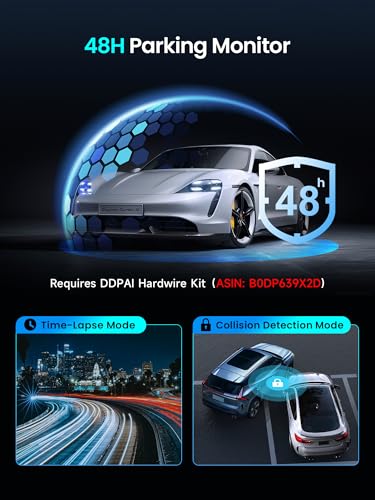
- Parking Recording Support: Parking mode may help record events when the car is left alone. This feature often needs a separate hardwire kit or a supported power setup. Buyers should confirm kit support and power needs before using it. Parking recording is not the same as full-time security.
- Front and Rear Camera Options: Some Z40 packages may offer a rear camera setup. A rear view can help record events behind the car. However, buyers must check the exact model and bundle. A front camera listing does not always include a rear unit.
✅ What I Like
- ✔ 2K front video can capture more detail than a basic 1080p dash cam.
- ✔ GPS support adds useful trip location data to recorded footage.
- ✔ Loop recording helps keep the camera running as storage fills up.
- ✔ App access can make it easier to view and manage saved clips.
- ✔ The compact body can fit well in many cars without taking up much windshield space.
- ✔ Emergency clip protection can help preserve footage from a sudden event.
- ✔ A compatible rear camera package can provide a wider view of road events.
⚠️ What Could Be Better
- ✖ Some useful features may need extra parts, such as a hardwire kit for parking mode.
- ✖ The app and wireless connection may feel less simple than using a camera with a built-in screen and direct controls.
- ✖ Buyers must check the exact package because rear camera support, memory card supply, and included parts may differ.
My Recommendation
I would consider the Z40 if I wanted a compact dash cam with GPS support and useful video features. It can be a good fit for daily travel, family cars, and regular highway use. GPS data may also help drivers review where an event took place.
Before buying, I would check the exact resolution, camera count, memory card support, and power options in the product listing. A low-cost bundle may not include every part needed for the setup you want. It is also worth checking the return policy and app support for your phone.
| Best For | Why It Fits |
|---|---|
| Daily Commuters | GPS support and loop recording can help keep a record of routine trips and road events. |
| Highway Drivers | A 2K front camera can capture useful road detail during long trips and regular highway travel. |
| Family Car Owners | A dash cam can provide a video record of family trips and unexpected road events. |
| Rideshare Drivers | A compatible camera setup can help keep a record of driving events during work hours. Check whether the chosen kit covers the views you need. |
| GPS Data Users | The GPS feature can add trip location information to saved footage. |

Alternative Products You Can Consider
| Product | Best For | Key Difference |
|---|---|---|
| DDPAI Z40 GPS | Drivers who want GPS and daily road recording | Combines dash cam recording with GPS support and app-based access. |
| VIOFO A119 Mini 2 | Drivers who want a compact front camera | Focuses on a single-camera setup rather than a possible front and rear bundle. |
| Garmin Dash Cam Mini 3 | Drivers who want a very small camera | Places a strong focus on a low-profile camera body. |
| Vantrue E1 Pro | Drivers comparing compact premium-style cameras | Offers a different camera design and feature set from DDPAI. |

Final Verdict: Which Dash Cam Should You Buy?
The DDPAI Z40 GPS deserves a place on the shortlist for drivers who want a compact dash cam with GPS support. Its main appeal is the mix of road video, trip data, and app access. These features can make it more useful than a basic camera that only records the road.
I would choose it for daily commutes and regular road trips if the exact package meets my needs. Drivers who want a very small camera may prefer the Garmin Mini 3. Those who want a front-only setup may also want to compare the VIOFO A119 Mini 2.
The biggest point to check is the bundle. Make sure the camera count, memory card support, power parts, and parking mode needs match your plan. If the price and included parts make sense, the Z40 GPS can be a practical choice for everyday road recording.