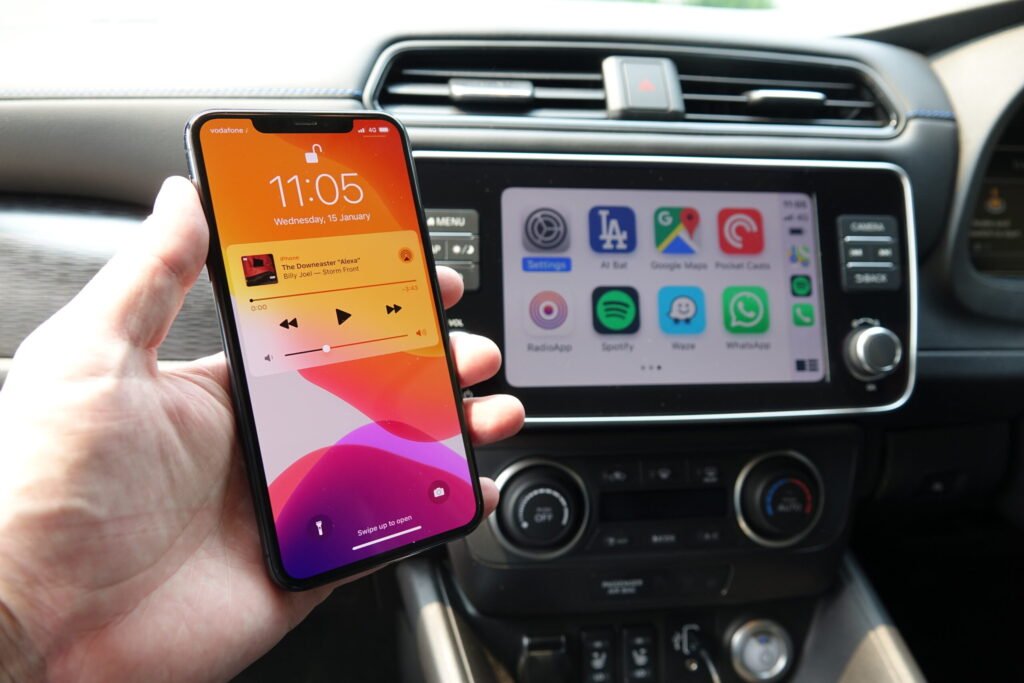
Many drivers in the United States use their phones for navigation, music, calls, and messages every day. What Is Wireless Apple CarPlay is a common question because modern vehicles now offer smarter ways to stay connected while driving. Instead of reaching for a charging cable every trip, drivers can connect their iPhone automatically and access familiar apps through the vehicle screen.
From my experience researching automotive technology, the biggest advantage of Wireless Apple CarPlay is simple convenience. It removes a small daily hassle and creates a cleaner driving setup. However, understanding how it works, what cars support it, and when an adapter is needed helps drivers make a better choice.
What Is Wireless Apple CarPlay and How Does It Work?
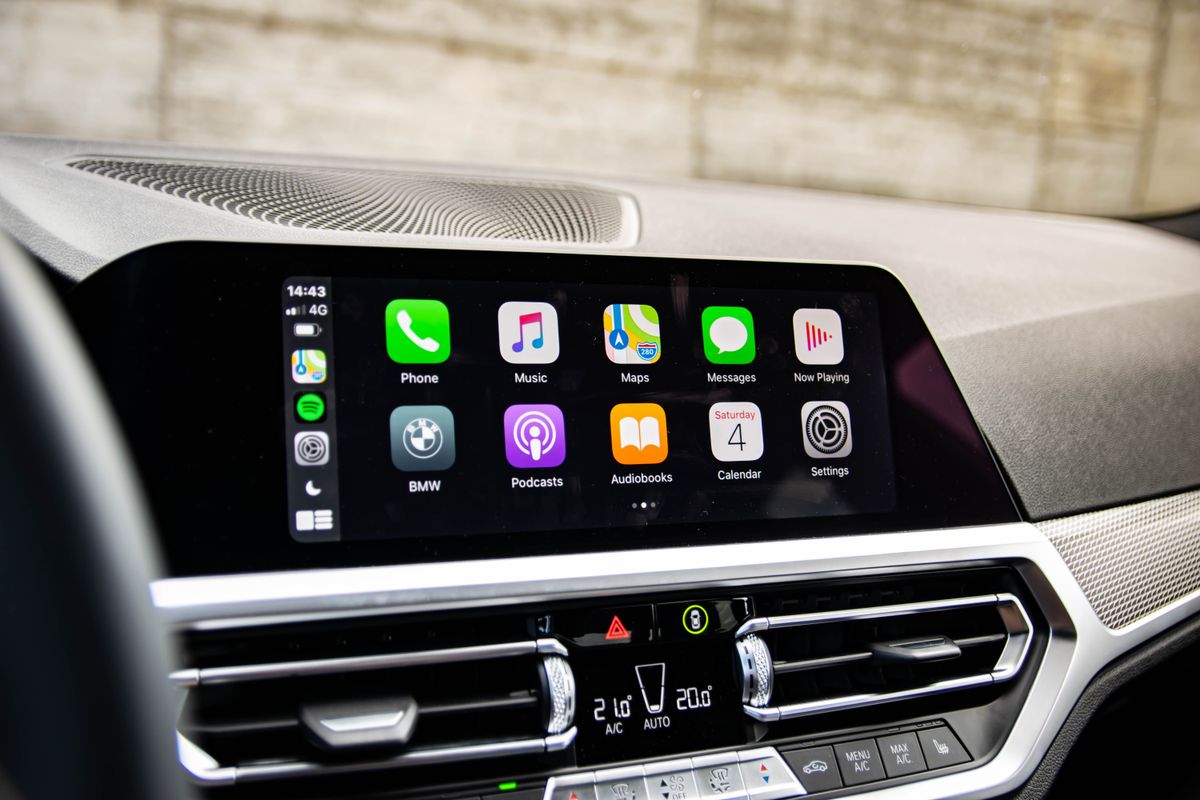
What Is Wireless Apple CarPlay can be explained as Apple’s wireless version of its in-car connection system. It allows an iPhone to connect with a compatible vehicle infotainment system without a physical USB cable. Drivers can use apps like Apple Maps, Apple Music, Messages, Podcasts, and supported third-party apps directly from the car display.
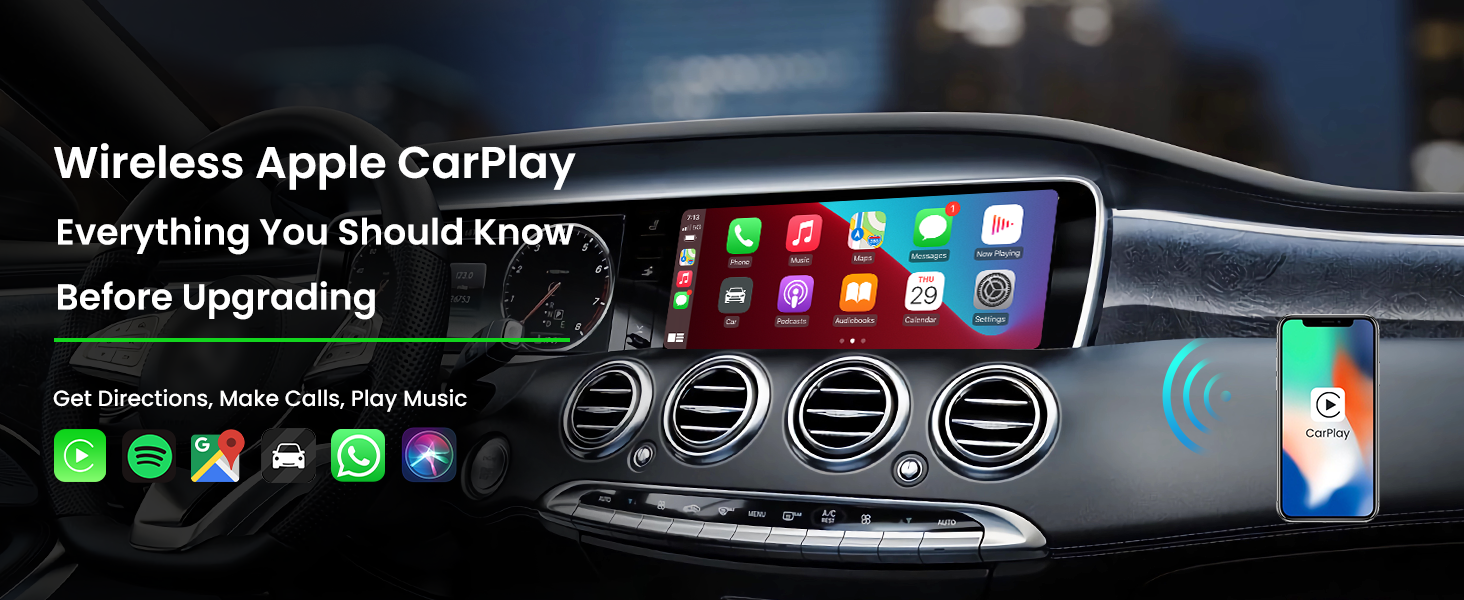
Wireless Apple CarPlay does not send all data through Bluetooth alone. Bluetooth usually handles the first connection, while Wi-Fi creates the faster data connection needed for audio, apps, and screen communication. This combination allows a smooth experience similar to wired CarPlay.
- ✦ Bluetooth Connection
Bluetooth helps your iPhone discover and begin pairing with the vehicle system.
- ✦ Wi-Fi Data Transfer
A wireless Wi-Fi connection transfers the information needed for apps, music, and navigation.
- ✦ Vehicle Display Control
The car touchscreen, steering wheel controls, and voice commands can control supported iPhone features.
Wireless Apple CarPlay vs Wired Apple CarPlay
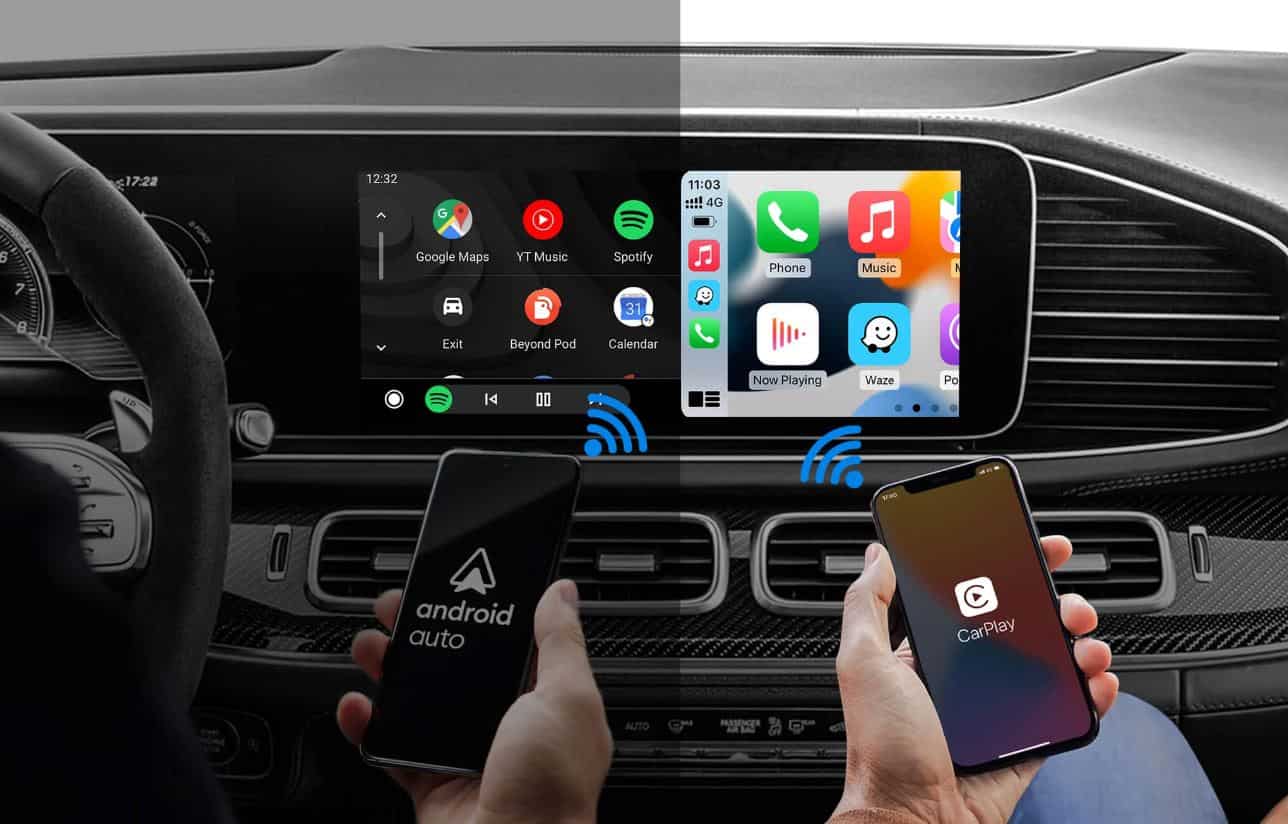
The main difference between wired and wireless Apple CarPlay is the connection method. Wired CarPlay requires a USB cable, while Wireless Apple CarPlay connects automatically after the first setup. Both versions provide access to similar apps and features.
Wired CarPlay can sometimes offer a more stable connection because it uses a direct cable. Wireless CarPlay focuses on convenience because drivers can enter the car and connect without searching for a charging cord.
- ✦ Wired CarPlay
Requires a USB cable and may provide consistent performance with fewer connection issues.
- ✦ Wireless CarPlay
Provides cable-free access and automatic connection for a more convenient driving experience.
What Features Are Available With Wireless Apple CarPlay?
Wireless Apple CarPlay provides access to many iPhone features designed for safer driving. Instead of holding a phone, drivers can use the vehicle screen and voice commands to complete common tasks.
The system focuses on reducing distractions. Siri allows drivers to make calls, send messages, choose music, and get directions while keeping their hands on the wheel.
- ✦ Navigation
Use Apple Maps, Google Maps, or Waze for turn-by-turn directions and traffic updates.
- ✦ Music and Audio
Stream songs, podcasts, and audiobooks through supported apps.
- ✦ Hands-Free Communication
Make calls and send messages using Siri voice controls.
- ✦ Vehicle Screen Integration
View compatible apps through the built-in infotainment display.
How to Set Up Wireless Apple CarPlay in Your Vehicle
Setting up Wireless Apple CarPlay is usually simple. Most drivers only need to pair their iPhone once, and the vehicle will remember the device for future trips.
Before starting, make sure your iPhone has Bluetooth and Wi-Fi enabled. Your vehicle must also support Wireless Apple CarPlay or use a compatible wireless adapter.

- ✦ Step 1: Start Your Vehicle
Turn on your car and open the infotainment system settings.
- ✦ Step 2: Enable Wireless Pairing
Choose the Apple CarPlay option and allow the system to search for your iPhone.
- ✦ Step 3: Connect Your iPhone
Accept the pairing request on your phone and follow the on-screen instructions.
Using a Wireless Apple CarPlay Adapter
Some vehicles only support wired Apple CarPlay. In these cases, a Wireless Apple CarPlay adapter can convert the existing wired connection into a wireless one.
These small devices plug into the vehicle USB port and create a wireless bridge between the car and iPhone. Performance depends on adapter quality, vehicle compatibility, and software updates.
- ✦ Plug and Connect
The adapter connects through the existing CarPlay USB port.
- ✦ Check Compatibility
Confirm that the adapter supports your car model and iPhone version.
Benefits of Using Wireless Apple CarPlay
The biggest reason drivers choose Wireless Apple CarPlay is convenience. A cable-free setup makes daily driving easier, especially for people who frequently take short trips or use navigation often.
For many US drivers, small improvements in everyday routines matter. Wireless CarPlay removes the need to plug in a phone every time someone enters the vehicle.
- ✦ No Charging Cable Needed
Drivers can connect without searching for a USB cable.
- ✦ Automatic Connection
After setup, the iPhone can connect when entering the vehicle.
- ✦ Cleaner Interior Setup
Removing cables creates a less cluttered dashboard area.
- ✦ Better Daily Convenience
Frequent drivers can access important apps faster.
Limitations and Common Problems With Wireless Apple CarPlay
Although Wireless Apple CarPlay offers many benefits, it is not perfect. Some users experience connection delays, occasional disconnects, or compatibility problems depending on the vehicle and phone software.
Understanding these limits helps drivers avoid frustration. A strong wireless connection depends on updated software, proper setup, and compatible hardware.
- ✦ Battery Usage
Wireless connections may use more iPhone battery compared with a wired connection.
- ✦ Compatibility Issues
Older vehicles may require an adapter to use Wireless Apple CarPlay.
- ✦ Connection Delays
Some systems may take a few seconds longer to connect after starting the car.
How to Fix Wireless Apple CarPlay Problems
Common fixes include restarting the iPhone, removing and reconnecting the vehicle pairing, and checking for software updates. A reset of network settings can also help when connection problems continue.
If problems remain, the issue may come from the vehicle infotainment system or the wireless adapter rather than the iPhone itself.
- ✦ Restart Devices
Restart both the phone and vehicle system to refresh the connection.
Is Wireless Apple CarPlay Worth It?
For many drivers, Wireless Apple CarPlay is worth using because it improves comfort and removes a small but repeated inconvenience. People who spend a lot of time commuting often appreciate the automatic connection.
However, drivers who prefer charging their phone while using CarPlay may still choose wired connections. The right choice depends on personal driving habits and vehicle features.
- ✦ Best For Daily Commuters
Frequent drivers benefit from quick access without cable management.
- ✦ Best For Short Trips
Wireless connection is useful when trips are too short to justify plugging in.
- ✦ Consider Wired If Charging Matters
A wired connection may be better for long drives when battery charging is important.